How i got in coding? 

I didn't start as a developer. I started as a kid who couldn't stop making music.

My mom was a singer. I grew up around musicians — church, gospel, the whole culture. I started rapping in church, trying to be like Da Truth, deep in the gospel rap world. But I was always a mainstream hip hop fan too, listening to everything, absorbing it all. That tension — the sacred and the street — is honestly in everything I make.

I'm originally from Virginia Beach. East coast lyricism, southern production, that's my DNA. I relocated to Charlotte and started ghost writing and producing for acts around the city. Eventually I put out my own work — mixtapes, then my debut album "In My Mind" under Odic Records. Toured the HBCU Radio Network College Tour. "Extravagant" hit #7 on the Billboard Hot Singles charts.

Then life happened. I lost my mother. I took time away. I refocused, grieved, transformed.

When I came back I came back different. More intentional. And somewhere in that transformation I stopped just being an artist who used tools and started asking why the tools were the way they were.

I'd been using REAPER for years. It's the DAW that actually makes sense to me — the one that treats you like an adult, that lets you see inside everything, that doesn't hide its own guts from you. And JSFX — REAPER's built-in plugin format — blew my mind when I discovered it. You can write a compressor, a sampler, a synthesizer in a plain text file and load it as a real plugin. No compilation. No installer. Just math.

But building a GUI in JSFX is brutal. Every knob, every button, every meter — you're writing coordinates, calculating positions, handling mouse events line by line in @gfx code. I spent more time drawing interfaces than making music. I'd have a DSP idea and then spend three hours figuring out why my knob was rendering two pixels off.

I started building ReaKit to solve that for myself — a shared library of knobs, buttons, meters, sliders that I could drop into any plugin without rewriting everything from scratch. That grew into a full plugin suite. 19 plugins now. Compressors, EQs, samplers, console strips, the works.

And then one day I thought — what if you didn't have to write any of the @gfx code at all?

That's Forge. Drag a knob onto a canvas. Set its color and range. Export. Forge generates the slider declarations, the @gfx block, the full .jsfx skeleton — ready to open in REAPER with your GUI already working.

It's free. No account. No install. It runs in your browser at quazmusic.com/forge.

I built it because I kept thinking about all the producers and engineers who have ideas for plugins — who know exactly what they want to hear, what they want to control — but get stopped cold by @gfx code. The JSFX community is talented but small. Forge is my attempt to make the door wider.

The Guild membership unlocks all 9 ReaKit knob styles and REAPER live sync — see your changes in REAPER in real time as you edit. But the free version is a real tool. Not a demo. Not a teaser. A real tool.

I'm still an artist. Nu Trap Swing 3 is coming. But I'm also building the platform I wished existed when I started. Both things are true at the same time.

That's always been the story.

— Quaz / EON Studios

Charlotte, NC

Why tho? 

ReaKit is basically my way of making JSFX in REAPER feel like a real plugin ecosystem, not just a bunch of random scripts.

If you’re a developer (or you’re learning), you already know the problem: you come up with a fire idea… then you spend 80% of your time rebuilding the same boring stuff—knobs, meters, smooth controls, consistent layout, gain safety, all that. And every time you start a new plugin, it’s like starting a whole new project from scratch.

ReaKit fixes that.

It’s two things at once:

It’s a bundle of finished plugins you can mix with right now (the “tools”), and it’s a shared foundation that all those plugins are built on (the “kit”). That foundation is the part that matters to developers, because it lets you build new stuff faster without your plugin feeling homemade.

So when I say “ReaKit,” I’m not just talking about one compressor or one EQ. I’m talking about a consistent look, consistent behavior, and consistent workflow across everything. Same vibe, same feel, same type of metering, same type of interaction. You can open any ReaKit plugin and you’re not lost—you’re home.

And the goal isn’t to make “developer-only” tools nobody uses. The rule is simple: if it’s part of the kit, it shows up in real plugins. Meaning it’s tested in actual sessions, not just theory.

This is also why updates like v1.1 matter. Sometimes the update is a new plugin (like ExpressBus), and sometimes it’s the less flashy stuff—performance, stability, smoother controls, better metering behavior—things you don’t notice until they’re missing. 

If you’re building JSFX and you want your plugins to feel clean and consistent without reinventing the wheel every time… that’s what ReaKit is for. It’s the kit I wish I had when I started trying to make REAPER plugins look and feel like something you’d actually want to use every day.

Welcome to Reaper Remix. More updates coming.

ReaKit Bundle Update 

ReaKit Bundle v1.1.0 is out (ExpressBus + big under-the-hood upgrades)

ReaKit just got a solid update. Version 1.1.0 is live, and it’s a mix of “new toy” + “everything feels better now.”

New in the bundle: ExpressBus (SSL Bus)

The headline feature is a brand-new plugin:

✅ ExpressBus (ssl bus.jsfx)


An SSL-style bus compressor built with the ReaKit Grey Panel GUI and SSL 4000E-inspired controls. It includes:

VU metering

Sidechain input

Feedback + feedforward modes

Peak + RMS detection

Hard/soft knee options

Manual/auto makeup gain

ReaKit link-group support (for grouped control behavior)

If you’ve been wanting that classic “glue” compressor vibe inside the ReaKit look-and-feel, this is it.


Bundle-wide improvements (the “everything feels sturdier” part)

1) More reliable importing (folder-safe)

All plugins now use relative import paths, which makes loading more robust when ReaKit lives inside subfolders (especially Eon_JSFX/). This removes a common friction point when people organize their JSFX libraries.

2) Embedded detection fixed (proper bitmask)

A logic fix changed embedded detection to use a proper bitmask check instead of “nonzero means embedded.” That means fewer weird edge cases across setups.

3) GUI input standardization

Mouse state variables have been standardized (prev_LMB, prev_RMB)

Keyboard/modifier handling got more consistent via gfx_getchar() usage in multiple plugins

Small changes, but they make the UI behavior more predictable across the bundle.


The big performance win: meters got smarter

The shared metering library got a major tune-up:

Feature flags: only run what you use

Meter subsystems are now gated behind opt-in flags, like:

mtr_en_vu, mtr_en_rms, mtr_en_lufs, mtr_en_phase, mtr_en_gonio, mtr_en_wave, mtr_en_spectrum

So if a plugin only needs a VU needle, it doesn’t silently run a bunch of extra analysis.

Peak metering moved out of the audio thread

Peak envelope/hold tracking now stays linear, and the expensive log10() conversion is deferred to @gfx via a new mtr_update_db() function. Translation: less work per sample, better real-time behavior.

Expensive subsystems are gated

VU spring-damper behavior, true RMS, LUFS, correlation, goniometer, waveform, spectrum… all wrapped so they only run when enabled.


Per-plugin polish (lots of “feels better” fixes)

A few highlights:

Smoother parameter changes + better project reload behavior

Several plugins now use:

~5ms one-pole smoothing on gain-type parameters (less zipper noise)

A “snap on first sample after load” pattern so smoothers don’t ramp from zero when a project reloads

Denormal prevention improvements

Many plugins now include a cDenorm constant and add protection around filters / DC blockers / feedback paths. This helps avoid the classic “why is CPU spiking during silence?” issue.

Safety + edge-case fixes

Multiple divide-by-zero protections (notably in the Prism Comp)

Updated sample-rate-corrected constants in a few places (like sidechain HP behavior)

The_Best_DeEsser_GUI (DeBess) got real fixes

Notable fixes include:

A memory layout correction to prevent buffer overlap that could overwrite GUI knob memory

Buffer size updated to 8192 with a mask

A sample-rate-corrected sidechain HP filter coefficient


Extras in the package

Manual updated with a comprehensive changelog section

Cleanup: duplicate include directory removed (consolidated structure)


How to update

Download ReaKit v1.1.0/store

Replace your existing ReaKit files (keep the folder structure intact)

Restart REAPER (or re-scan JSFX) so the updated versions load


What’s next?

If you’re following Reaper Remix, this is where I’ll keep posting:

update notes

new plugins as they land

design/dev breakdowns

roadmap experiments and feature ideas

If you’ve got a request for the next ReaKit plugin (or want ExpressBus expanded with extra modes), reply or drop a comment and tell me what you’re after.

ReaKit 


** [JSFX] ReaKit v1.0 —

 Free Plugin Suite with 100% Code-Drawn GUIs (Compressor, EQ, Saturation)

---

Hey everyone,

I'm releasing **ReaKit v1.0**, the first batch of plugins from a free JSFX framework by **EON Studios**.

### What is ReaKit?

ReaKit is two things: a **shared UI library** and a **growing collection of plugins** built on top of it.

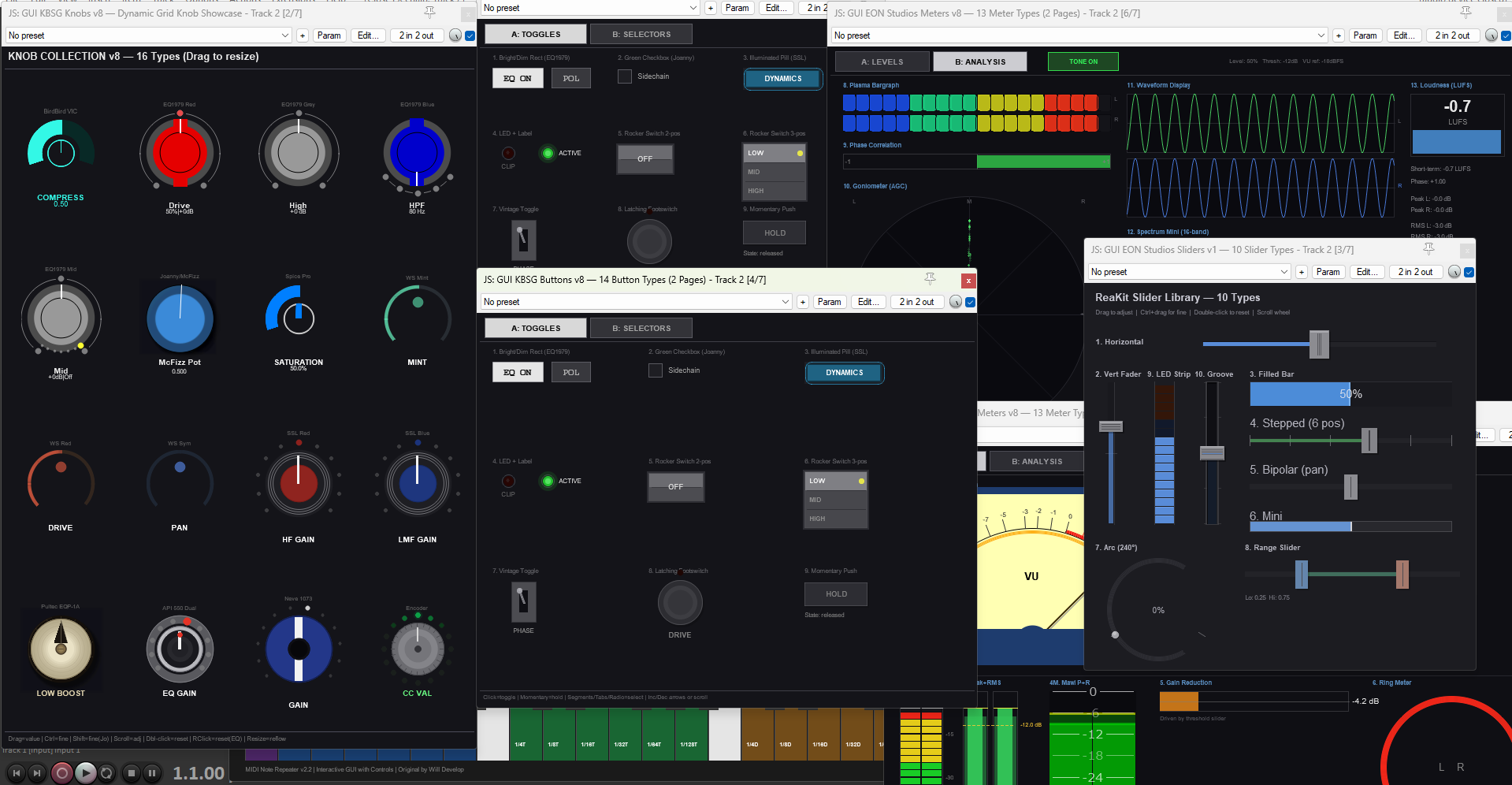
The library provides knobs, buttons, sliders, meters, and VU meters that any JSFX developer can import into their own projects. **Every GUI element is 100% code-drawn** — there are no images, sprites, or bitmap assets anywhere. Every knob, needle, arc, LED, button, and meter segment is rendered in real-time from JSFX graphics primitives. This means the interfaces scale cleanly to any resolution, support HiDPI/Retina natively, and have zero external dependencies beyond the .jsfx-inc library files.

This v1.0 release is the **first of many**. The shared libraries will keep growing, and more effects are planned.

### What's in v1.0

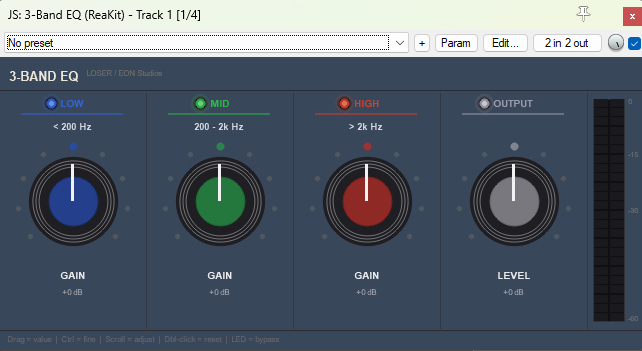
**ReaKit 3-Band EQ**
Simple tilt EQ based on LOSER's original. Crossovers at 200 Hz / 2 kHz, per-band bypass, ±24 dB range. Fast and intuitive.


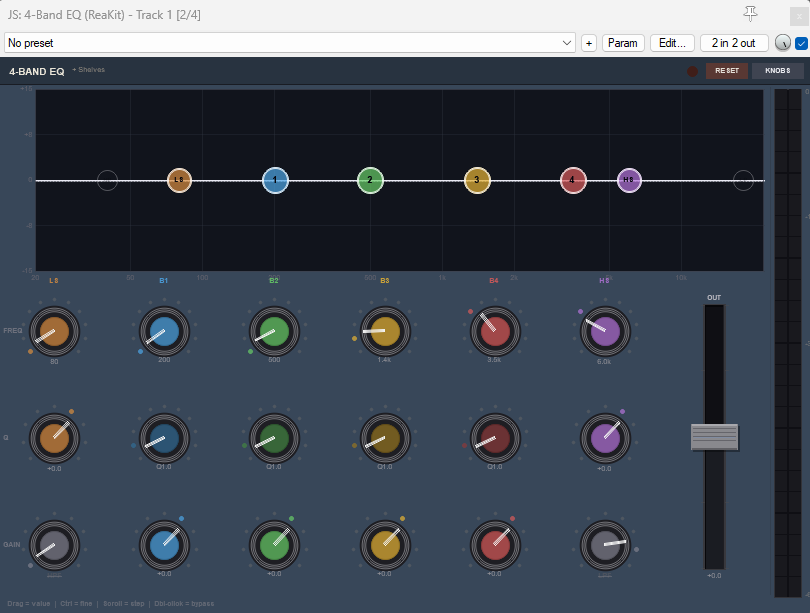
**ReaKit 4-Band EQ**
Original parametric EQ with an interactive curve display. HPF, LPF, low & high shelves, four fully parametric bells with draggable nodes. Per-band bypass, Nyquist-safe.


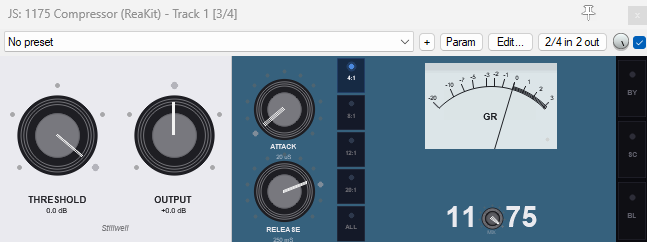
**ReaKit 1175 Compressor**
FET-style compressor based on Stillwell's 1176. Realistic spring-damped VU meter (ported from ZenoMOD) with 11 visual themes — all code-drawn. Blown capacitors mode, wet/dry mix, sidechain input. The GR needle starts at zero and swings left like real hardware.


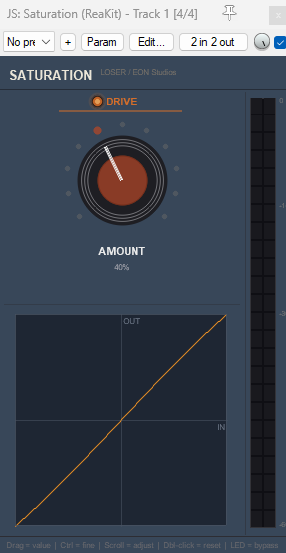
**ReaKit Saturation**
Waveshaper based on LOSER's Saturation with a real-time code-drawn transfer curve display. Subtle warmth to full crunch.

### Shared features
- **100% code-drawn GUIs** — no images or external assets
- HiDPI / Retina support
- Thread-safe GUI/DSP communication
- Denormal protection on all DSP paths
- 60 fps smooth animation
- Preset banks (.rpl files) and PDF documentation included

- Embedded mode for TCP

- Embedded mode for MCP

### The library (for developers)

If you build JSFX, the ReaKit UI libraries are yours to use:

- `knobs_kbsg.jsfx-inc` — 5 knob styles with hover, drag, fine mode, double-click reset
- `buttons_kbsg.jsfx-inc` — toggle, momentary, radio, rocker, cycle, increment/decrement
- `sliders_kbsg.jsfx-inc` — horizontal, vertical, fader, stepped, bipolar, arc, range, mini, groove, LED strip
- `meters_kbsg.jsfx-inc` — LED bar, VU needle, peak+RMS, gain reduction, ring, clip, plasma, phase, goniometer, waveform, spectrum, LUFS
- `vu_kbsg.jsfx-inc` — multiple VU styles (ZenoMOD, Tukan, Liteon) with spring physics

Import them, call the functions, done. No setup beyond dropping the .jsfx-inc files alongside your plugin.

### Credits
- 1175 DSP: Thomas Scott Stillwell
- 3-Band EQ & Saturation DSP: LOSER
- VU physics: Zeno Modiff (ZenoMOD)
- 4-Band EQ DSP, all GUIs, UI libraries: EON Studios

This is our first plugin release — feedback on the GUIs, workflow, and anything that feels off is very welcome. More plugins are coming.

Download: [TBD]

Cheers,
EON Studios


Reaper Remix FX 

FX in Reaper Remix:

Reaper Remix comes with 3rd Party JSFX effects already loaded. 

Some with Presets many with none. (Work in progress!)

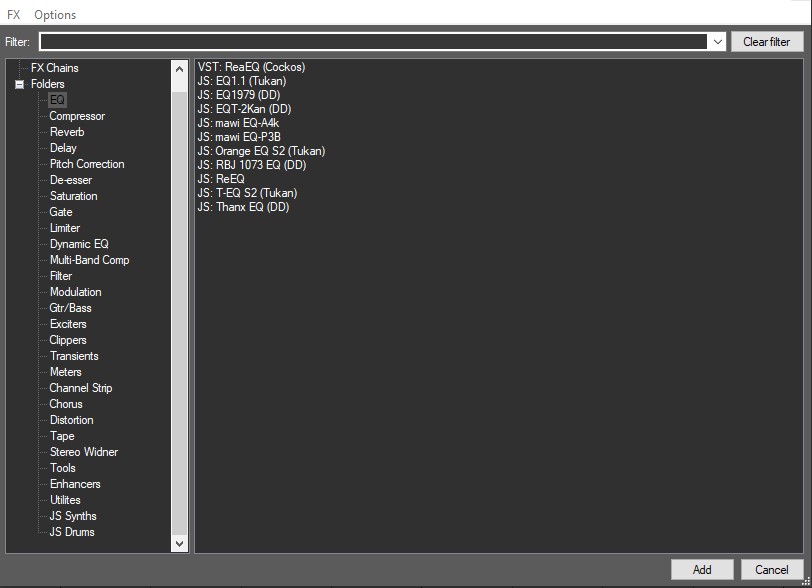
The FX Browser includes custom folders with either JSFX or Cockos FX in each category.

Yes the Stock Cocoks basic are included in each point. They are great starting points for many fx.

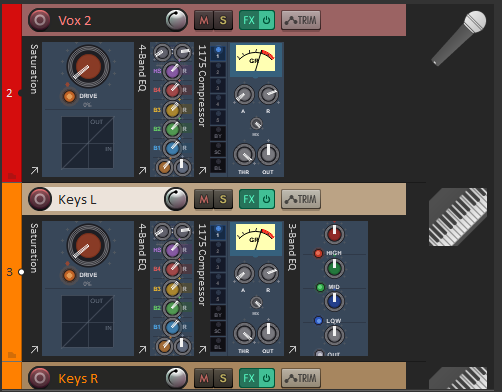
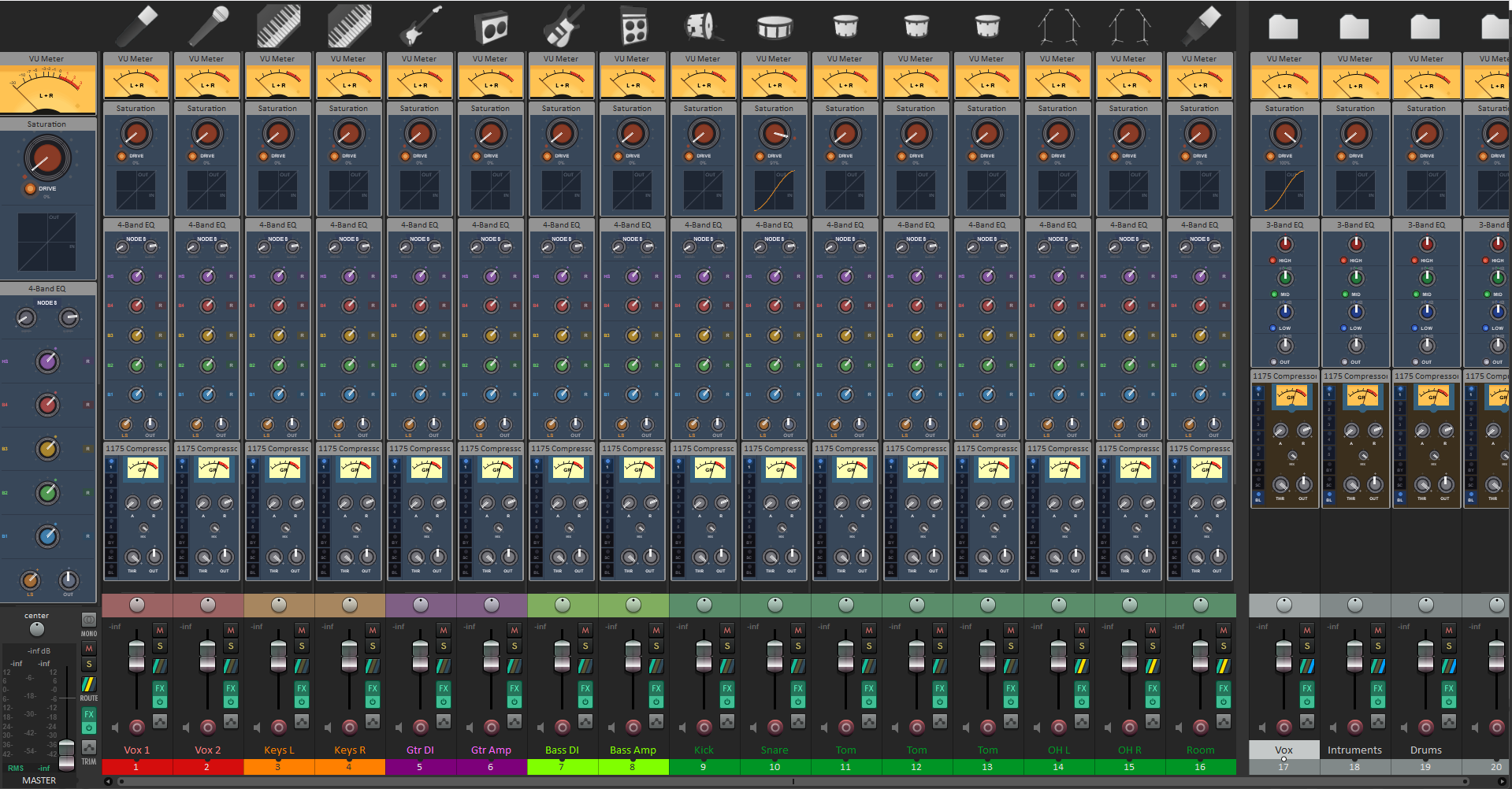
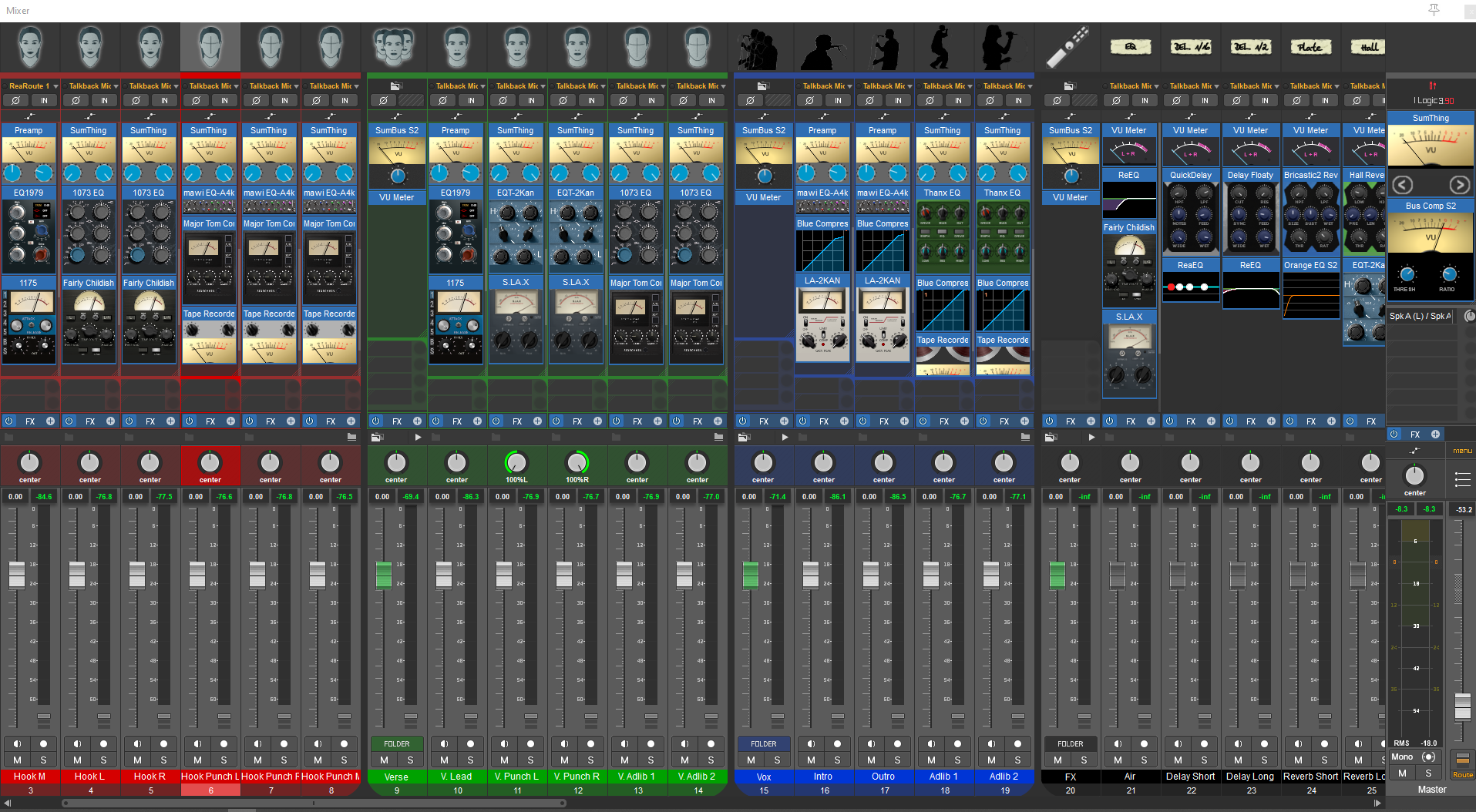
Most of the Fx in this folder are also able to be embedded in the MCP and TCP with 

Embedded in MCP set as the default. 

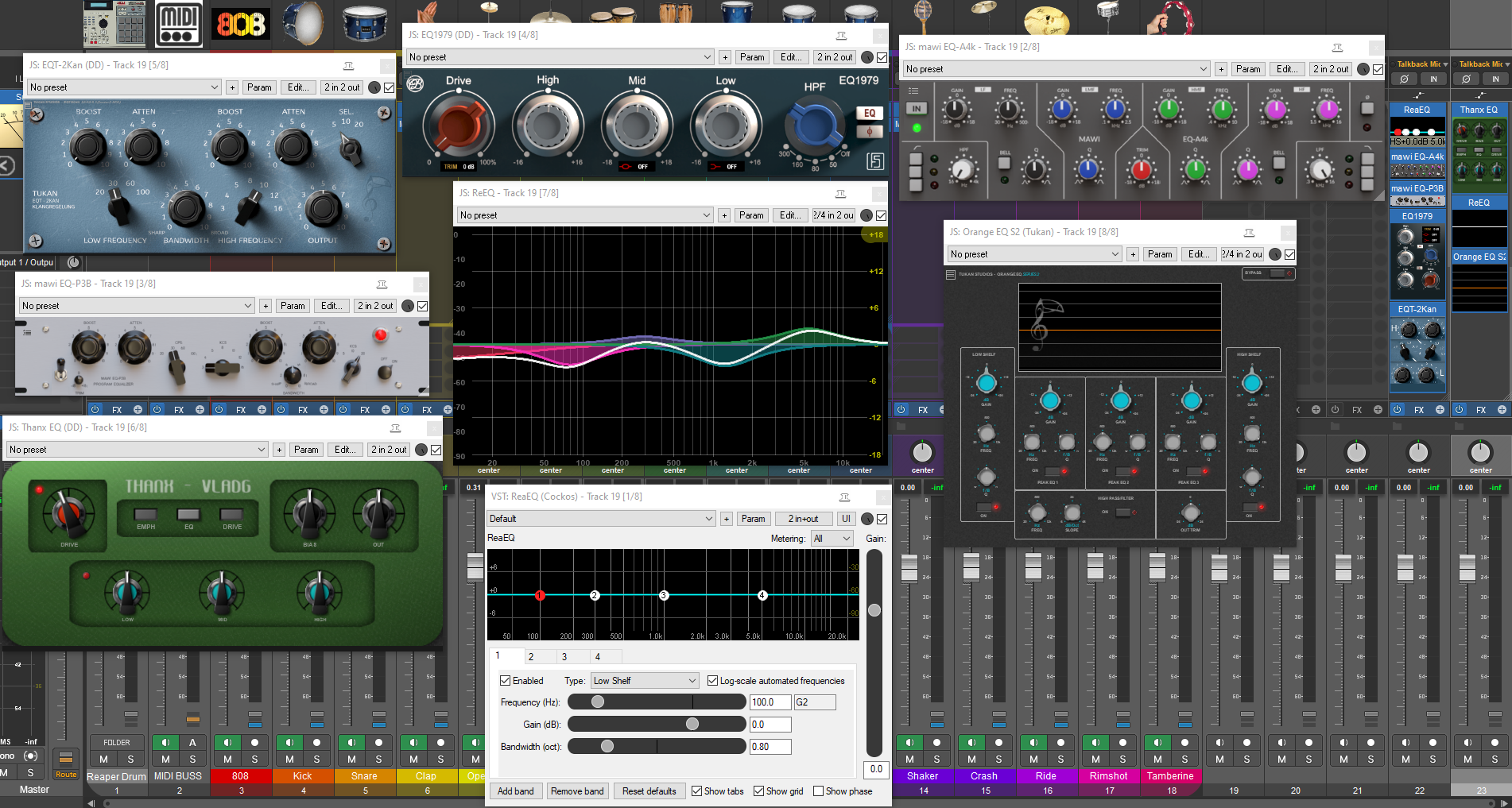
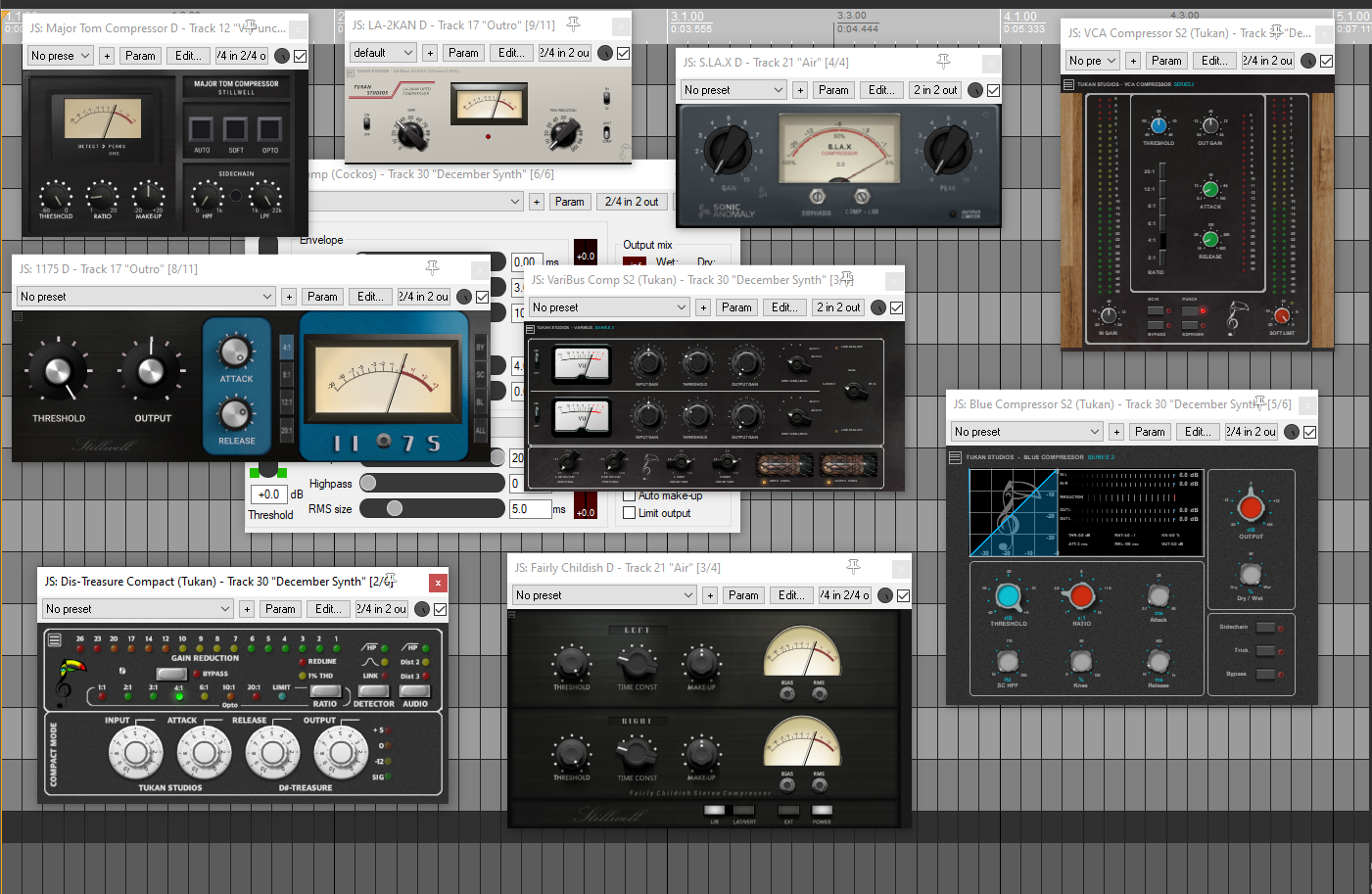
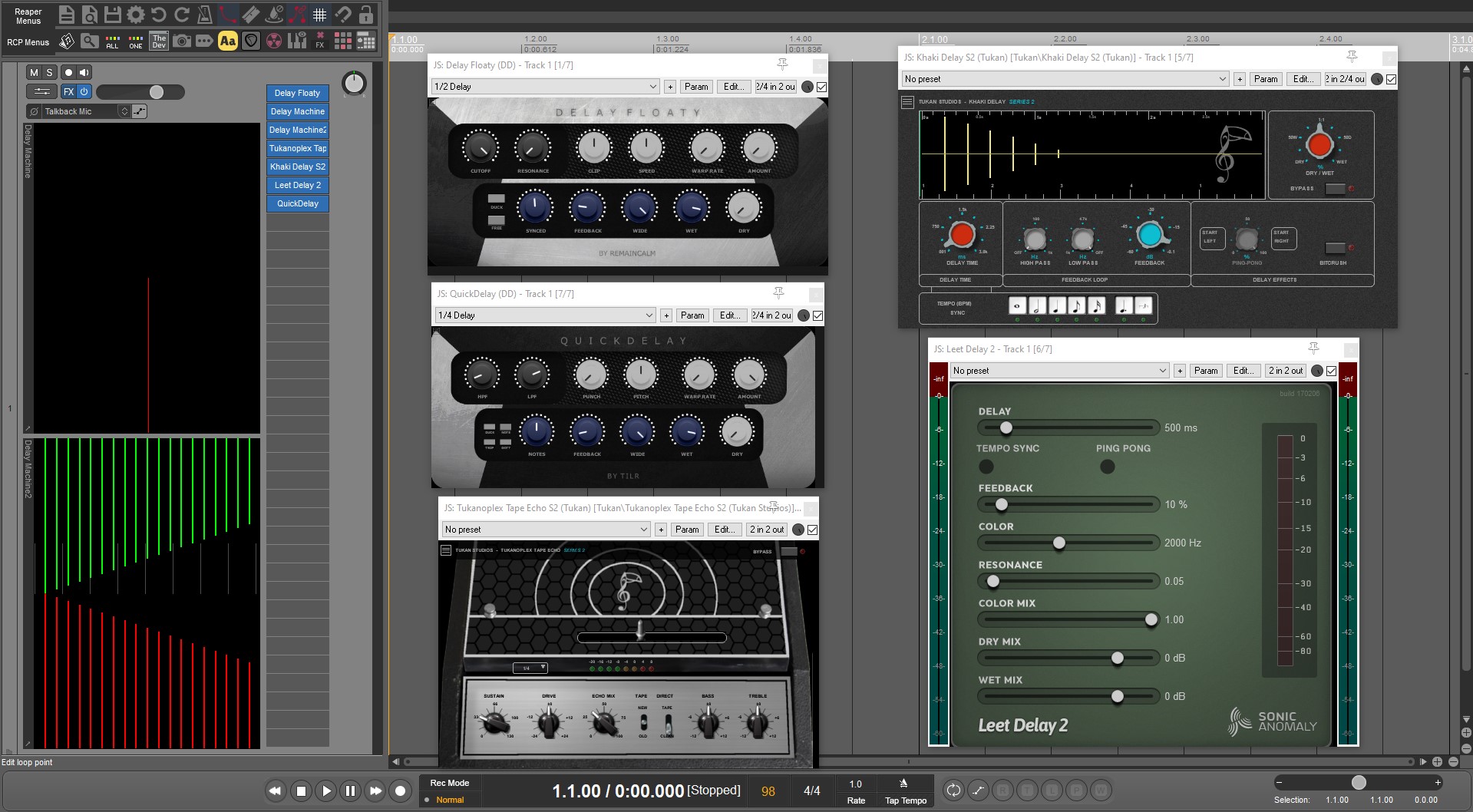
FX Browser with Custom Folders organized by plugin type

EQs:


Compressors:

Delays

Embedded FX: 


Reaper Remix Updated 

Reaper Remix 

 Update to the Reaper Remix Configuration 

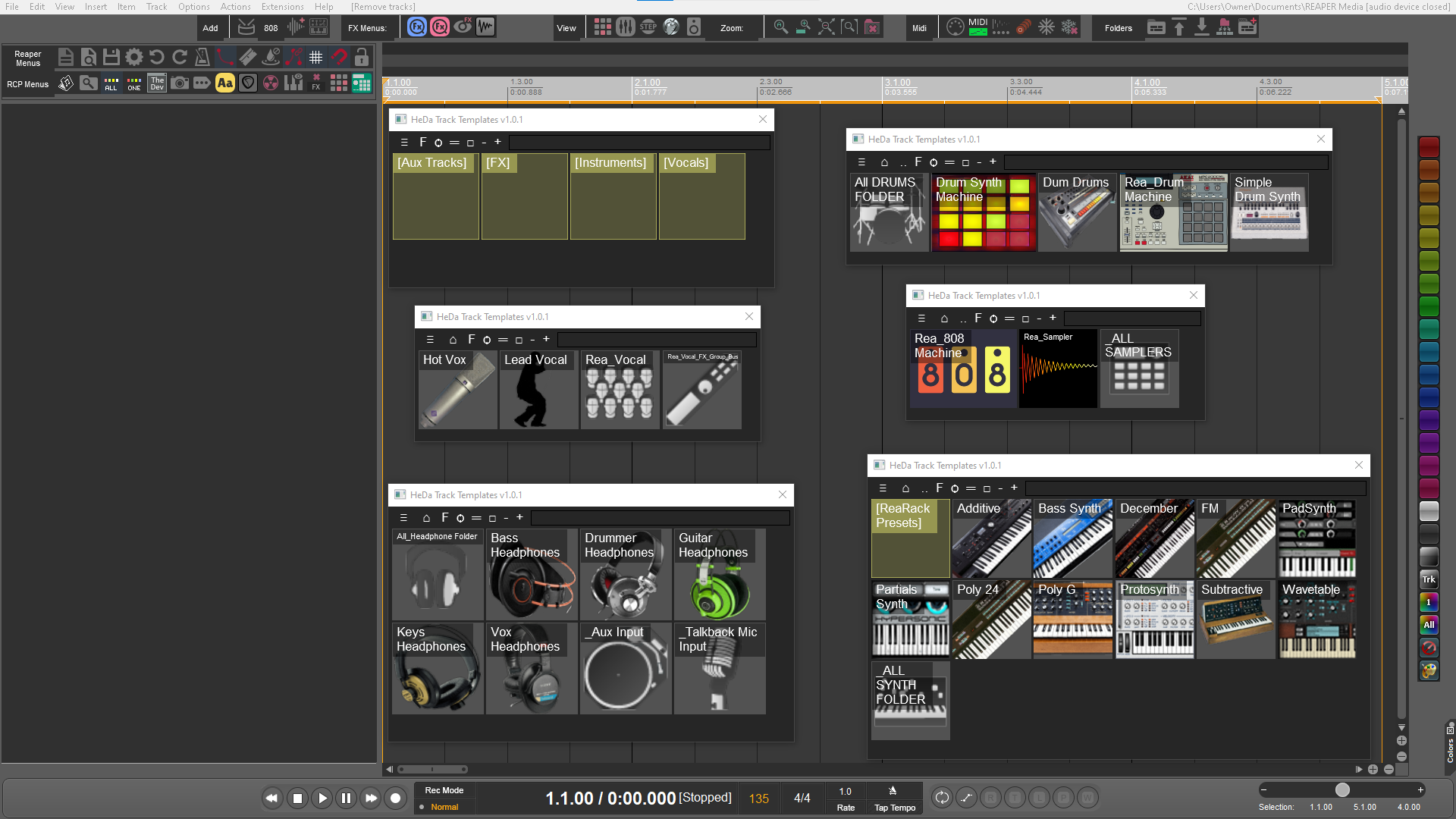
  • Track Templates

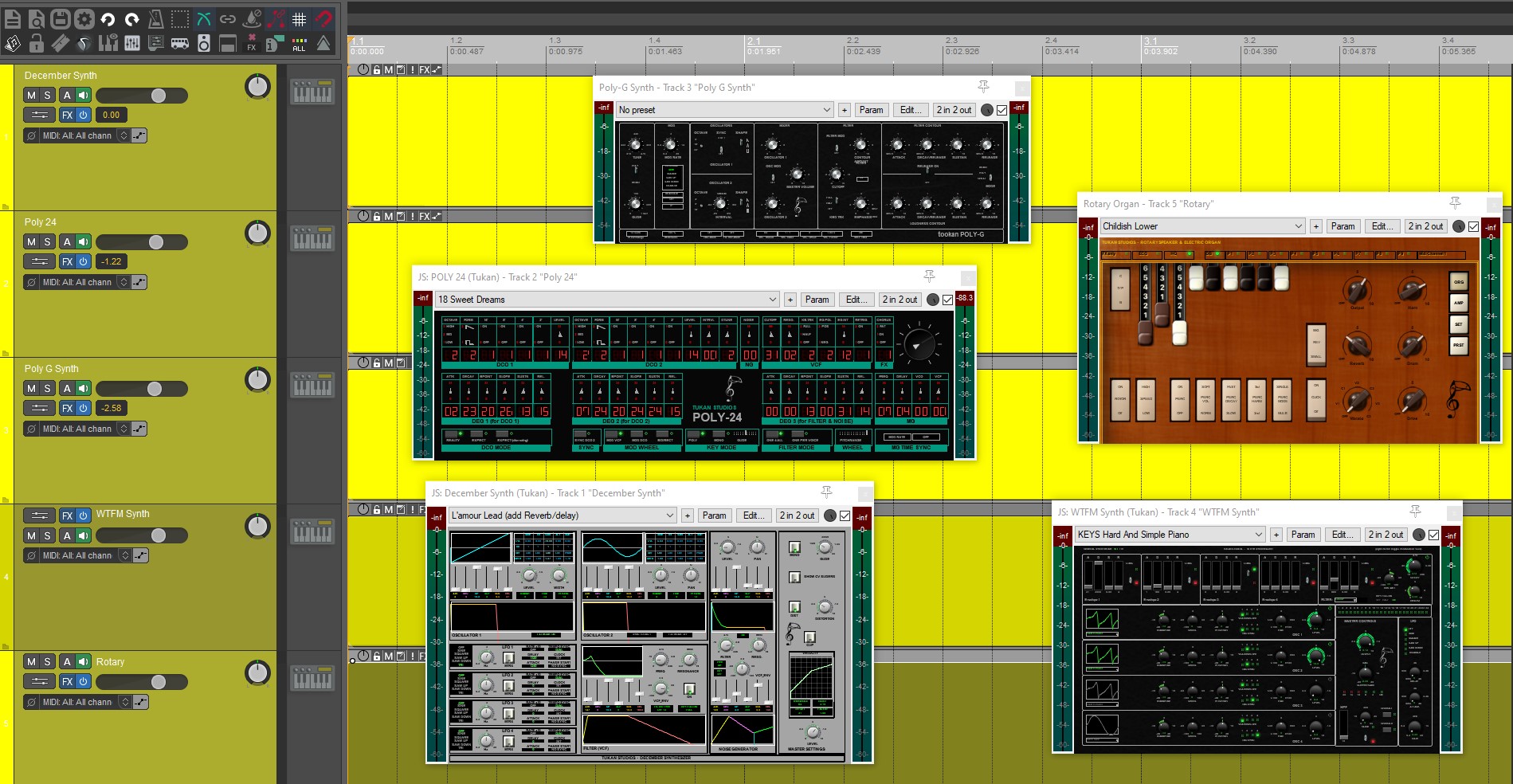
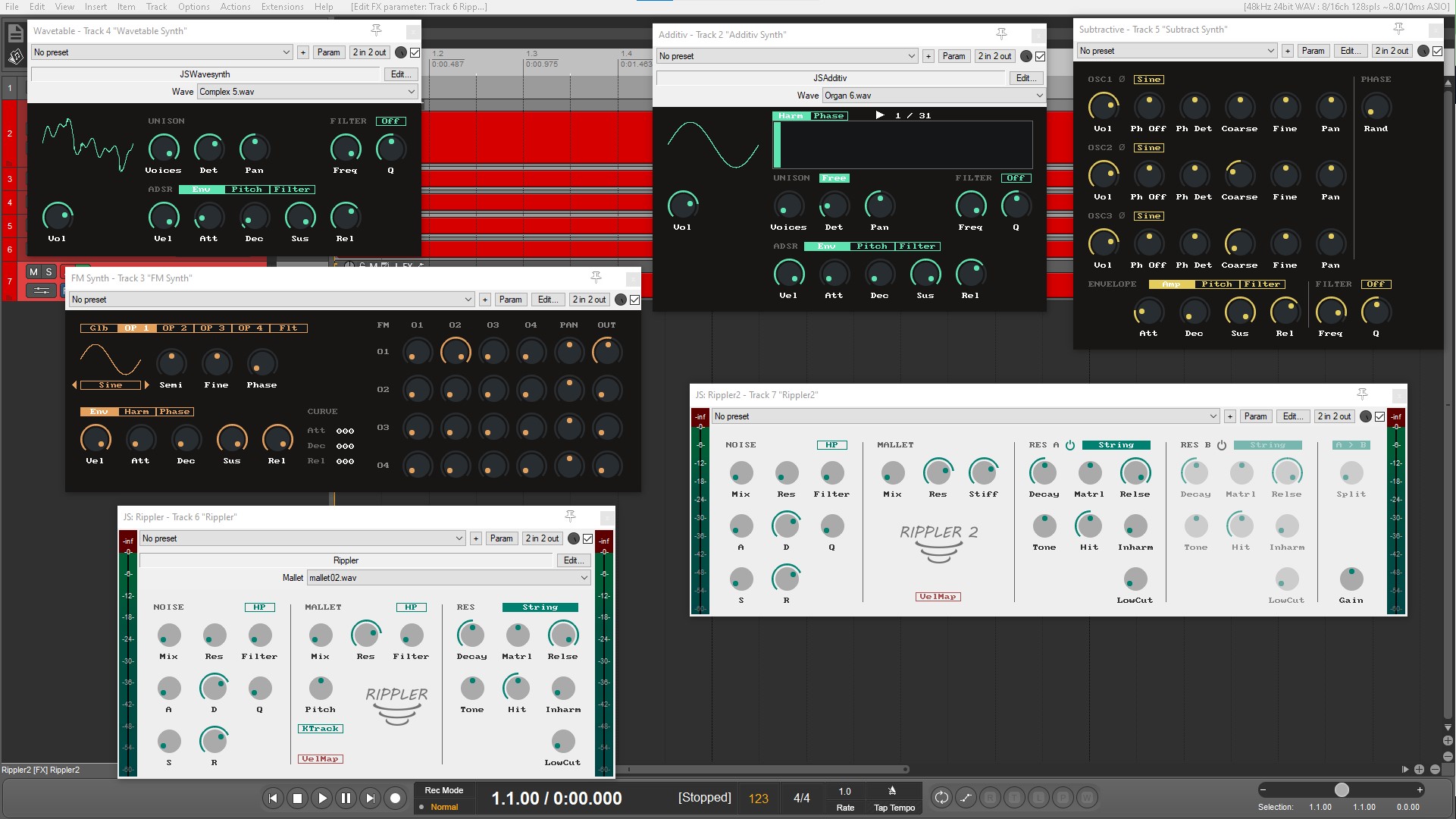
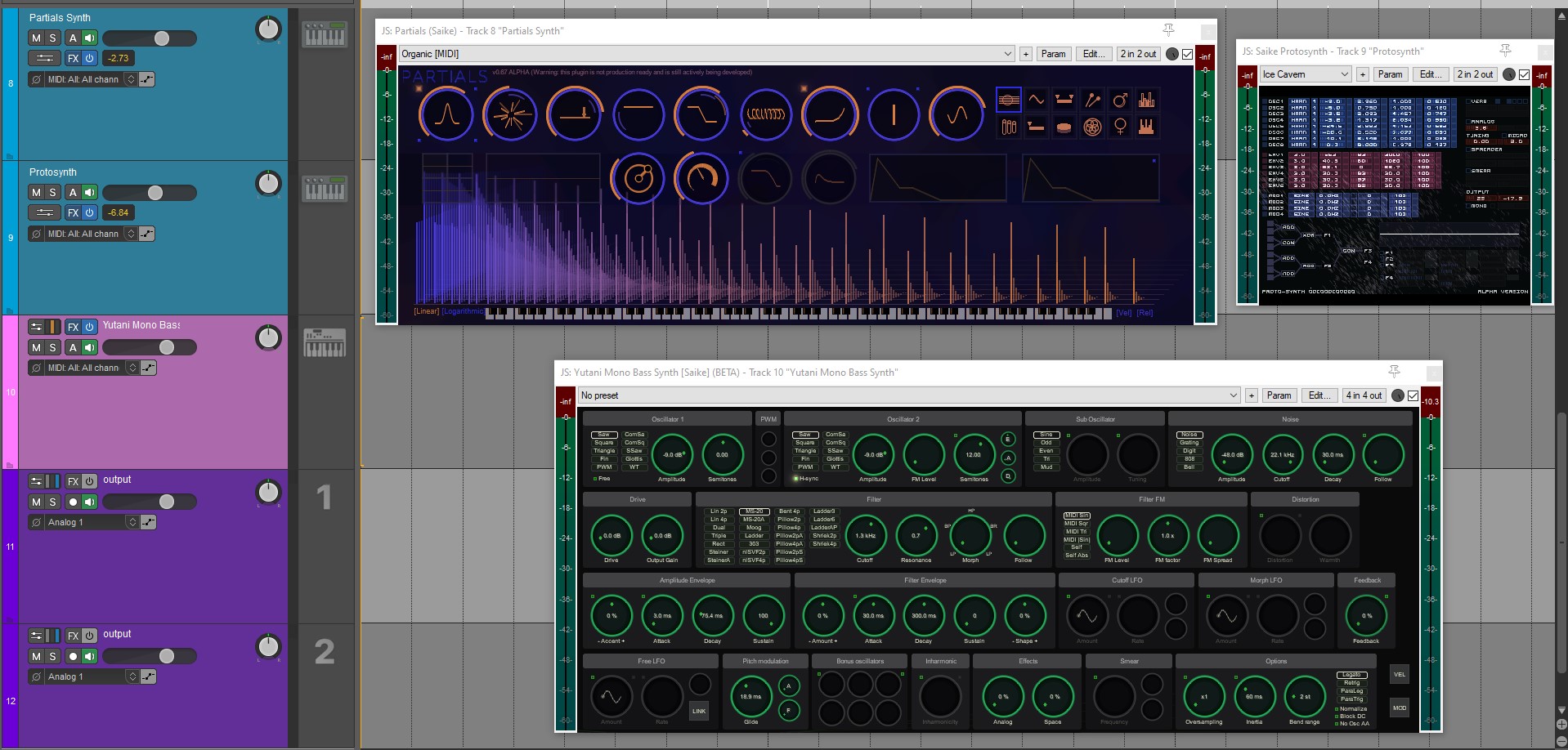
Synth JSFX

  • Tukan
    • December
    • Poly 24
    • Poly G
    • WTFM
  • Tilr
    • Additive
    • Subtractive
    • FM
    • Wavetable
    • Rippler
    • Rippler 2
  • Saike
    • Bass Synth
    • Partials 
    • Protosynth
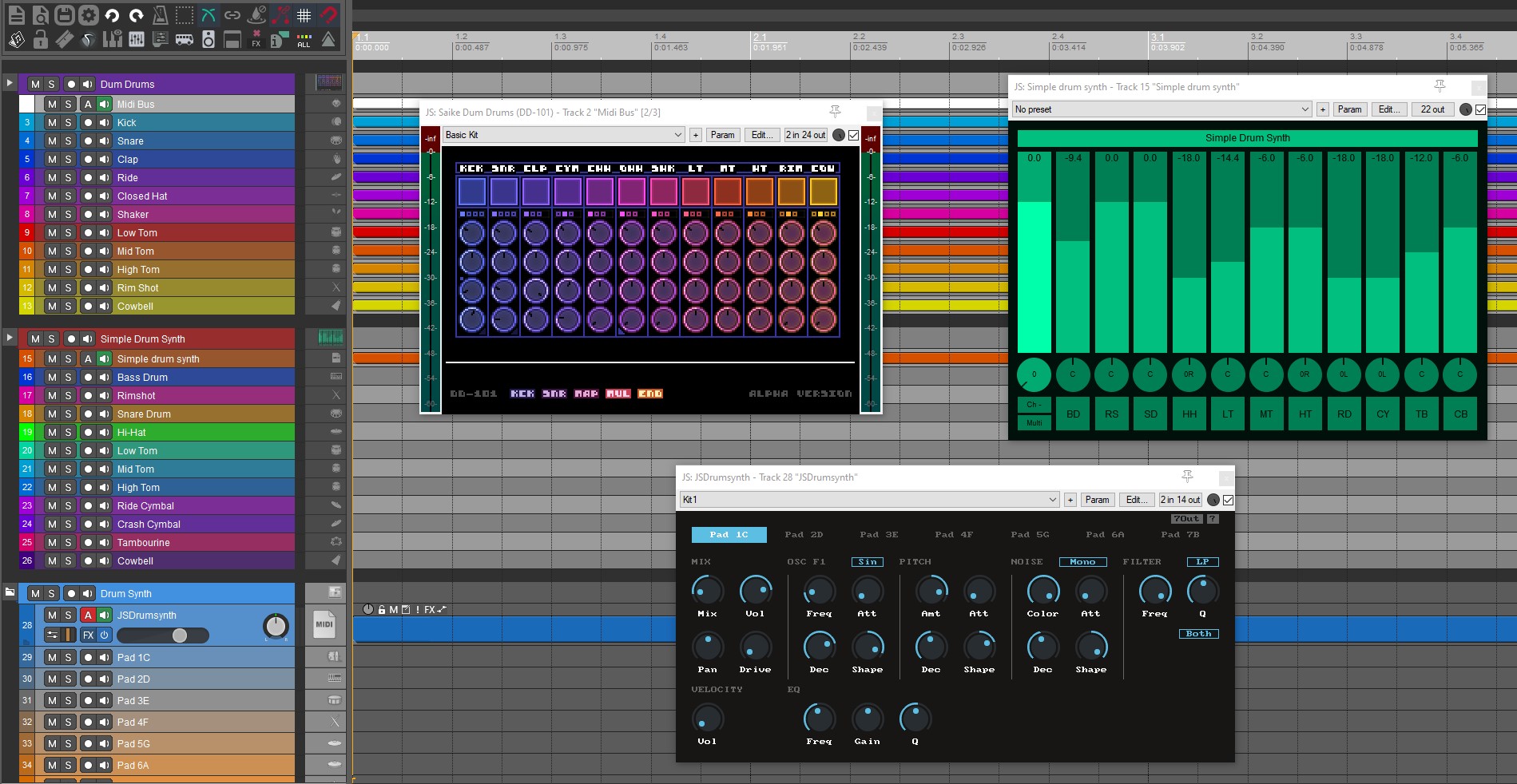
  • 3 Drum Synth JSFX
    • Dum Drums
    • JSDrumSynth
    • Simple Drum Synth
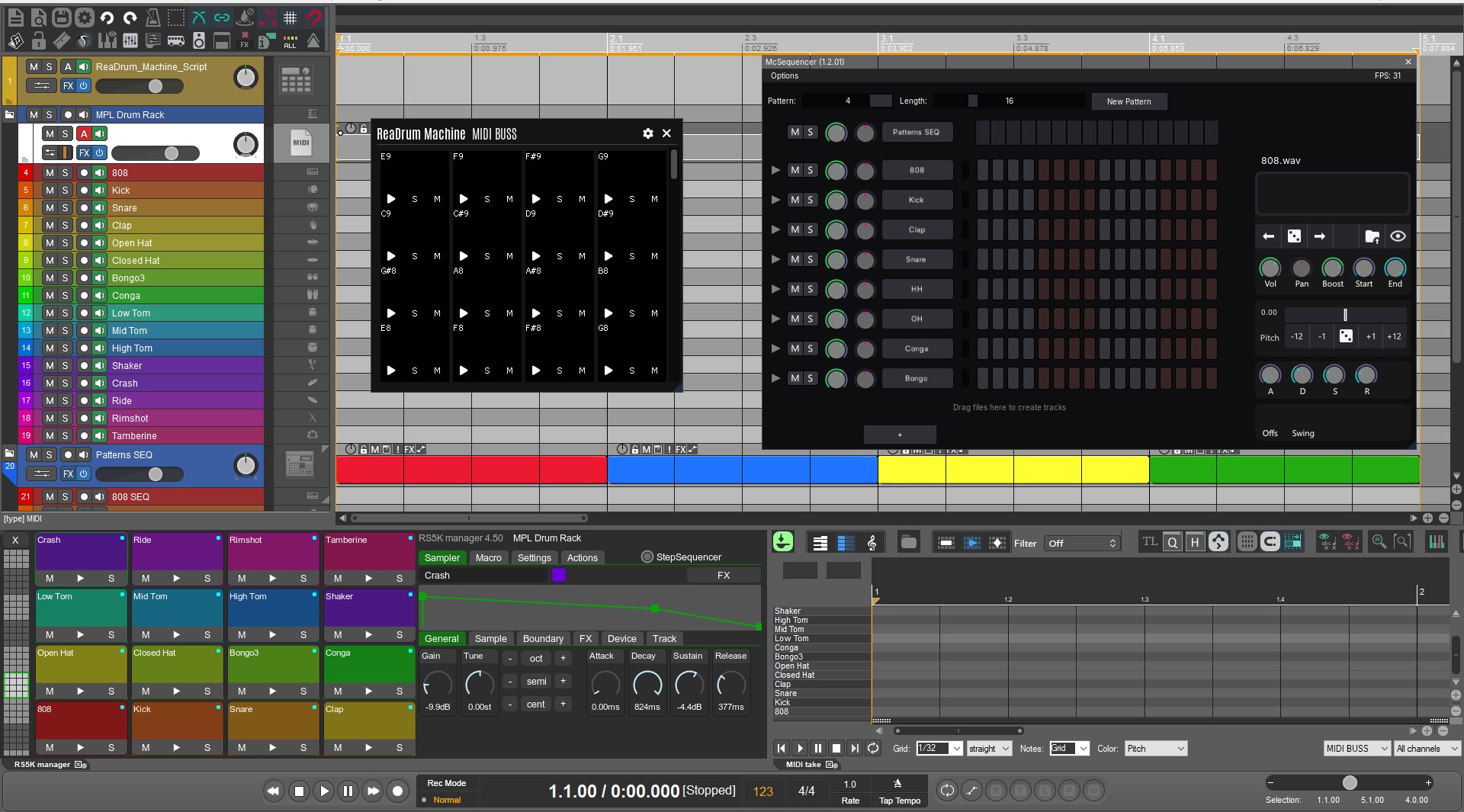
  • 3 RS5K Sampler Scripts
    • Drum Rack
    • ReaMachine
    • McSequencer
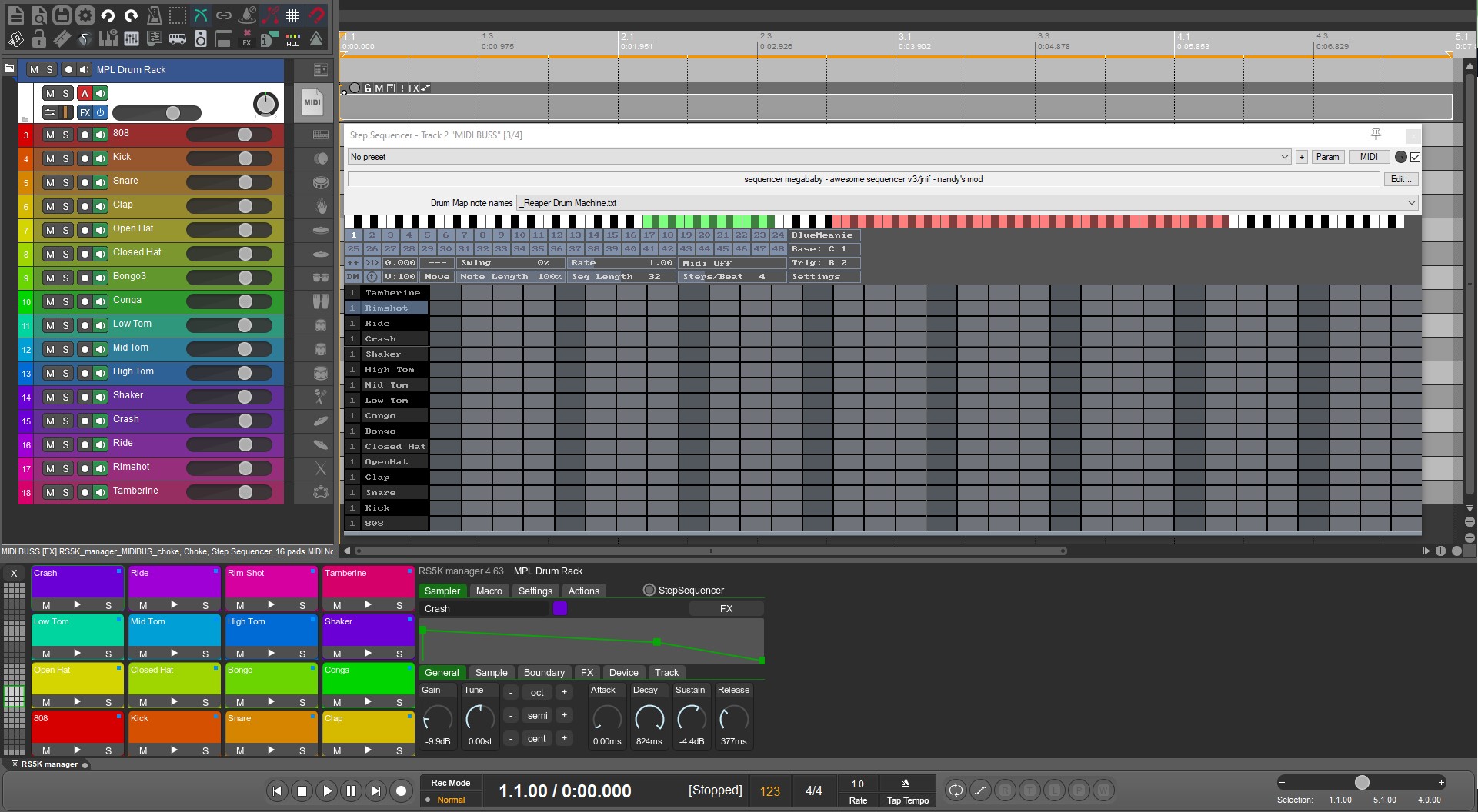
  • Megababy, RS5k Step Sequencer, and MIdi Editor preconfigured with Track Templates
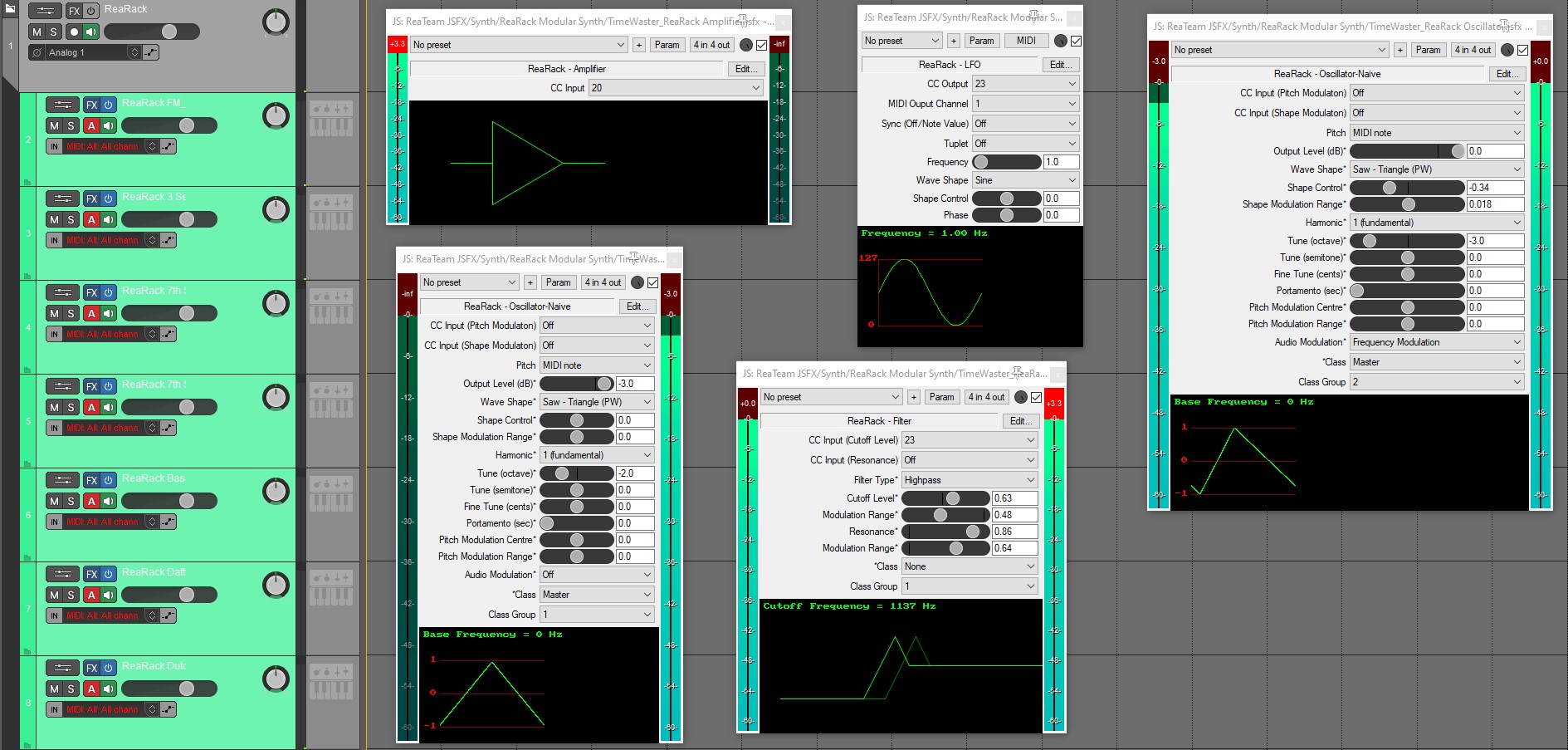
  • 20 ReaRack Instrument Presets
  • 15 ReaSynth Instrument Presets
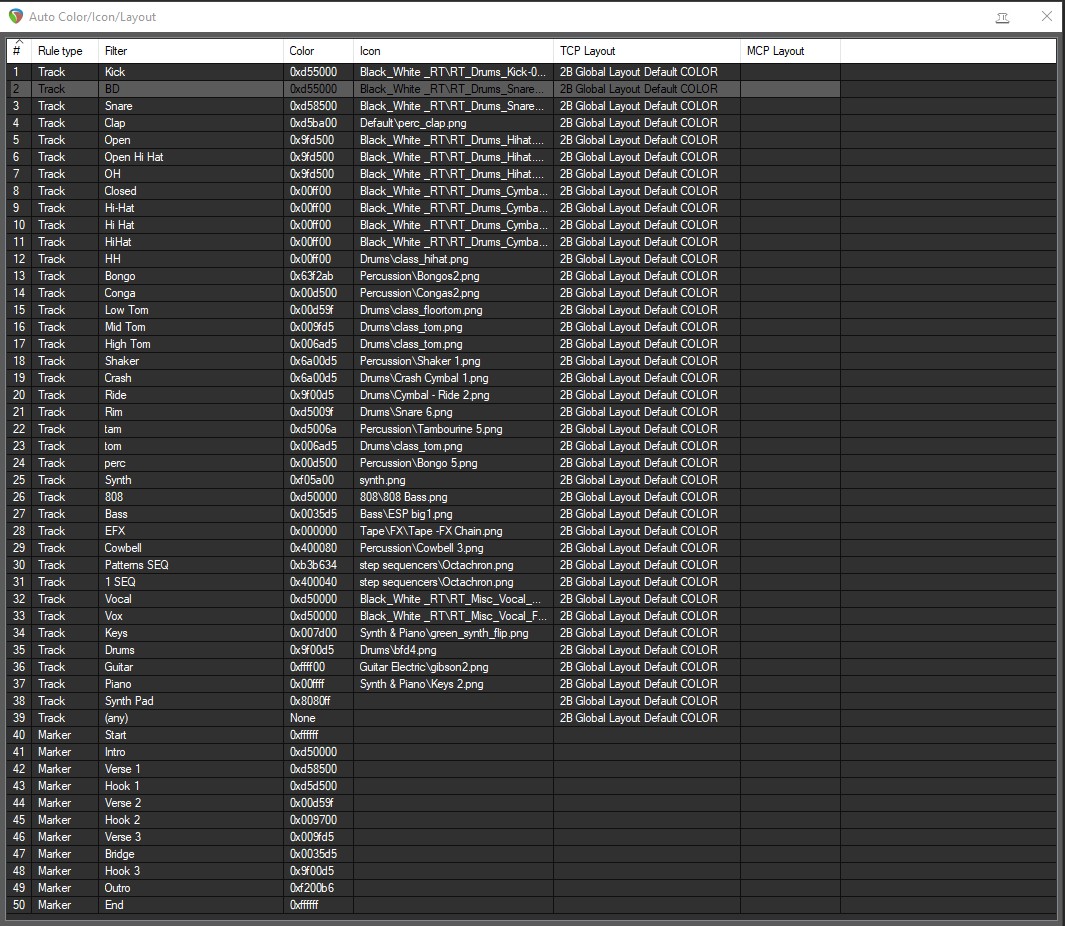
  • SWS Auto Color Settings for Instrument Tracks, Vocal, FX, And Aux Tracks
  • -Custom Actions
  • -Custom Layouts
  • -Custom Keymaps
  • -Custom FX Folders Categorized
  • -Includes Several Popular Themes
  • -Media Explorer Toolbar
  • -Media Explorer Databases ready to import from your Sound Library
  • -New Menu Toolbar Icons
  • -New Track Icons
  • -4 Color Toolbars
  • -Startup Action Script
  • -Zoom Preferences and Toolbar Shortcuts
  • -Dozens of custom Action

DOWNLOAD HERE:

Reaper Remix Configuration File:

/files/1353816/Reaper Remix Configuration 


Guide: 

  1. Install the Basic Installer (You may select portable install but remember which folder you select!)
  2. After the install import the Reaper Remix Configuration file.  (Select all files and leave delete local files UNCHECKED!)
  3. Enjoy

Here is a guide on how to import Reaper Configuration Files


REMIX 

The Remix.. 


Ive been self produced my whole carrer. I wanna give ppl the tools i use to get it done. Reaper REMIX!!! 

Reaper is dope and its incredibly veristile. But its nothing i can reccomend to a New Comer.  Takes a good amount of time to get going. This is my personal configuration that i am sharing with everyone. I cant say its everything i do, but its a great blueprint to go from idea to Distribution! 

Links to software used are either included in the Theme or can be downloaded for Free from the lins below. SUPPORT THESE DEVELOPERS!!!! They put countless hours creating some of these scripts and tools. None of these tools is anything less than professional.  

Lets get started: 

You WIll Need to Download These Links to Download:  

Id reccomend installing them in the order listed but dont worry nothing will break if you dont. Lol.  

  1. Reaper: A complete digital audio production application for computers, offering a full multitrack audio and MIDI recording, editing, processing, mixing and mastering toolset.  
  2. SWS Extensions: a collection of features that seamlessly integrate into REAPER 
  3. ReaPack : (Yes just click download and install) a package manager for REAPER. Discover, install and keep up to date your REAPER resources including ReaScripts, JS effects, extensions, themes, language packs, templates, web interfaces and more.  

Reaper Remix Includes: 

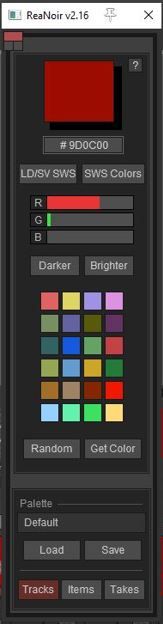
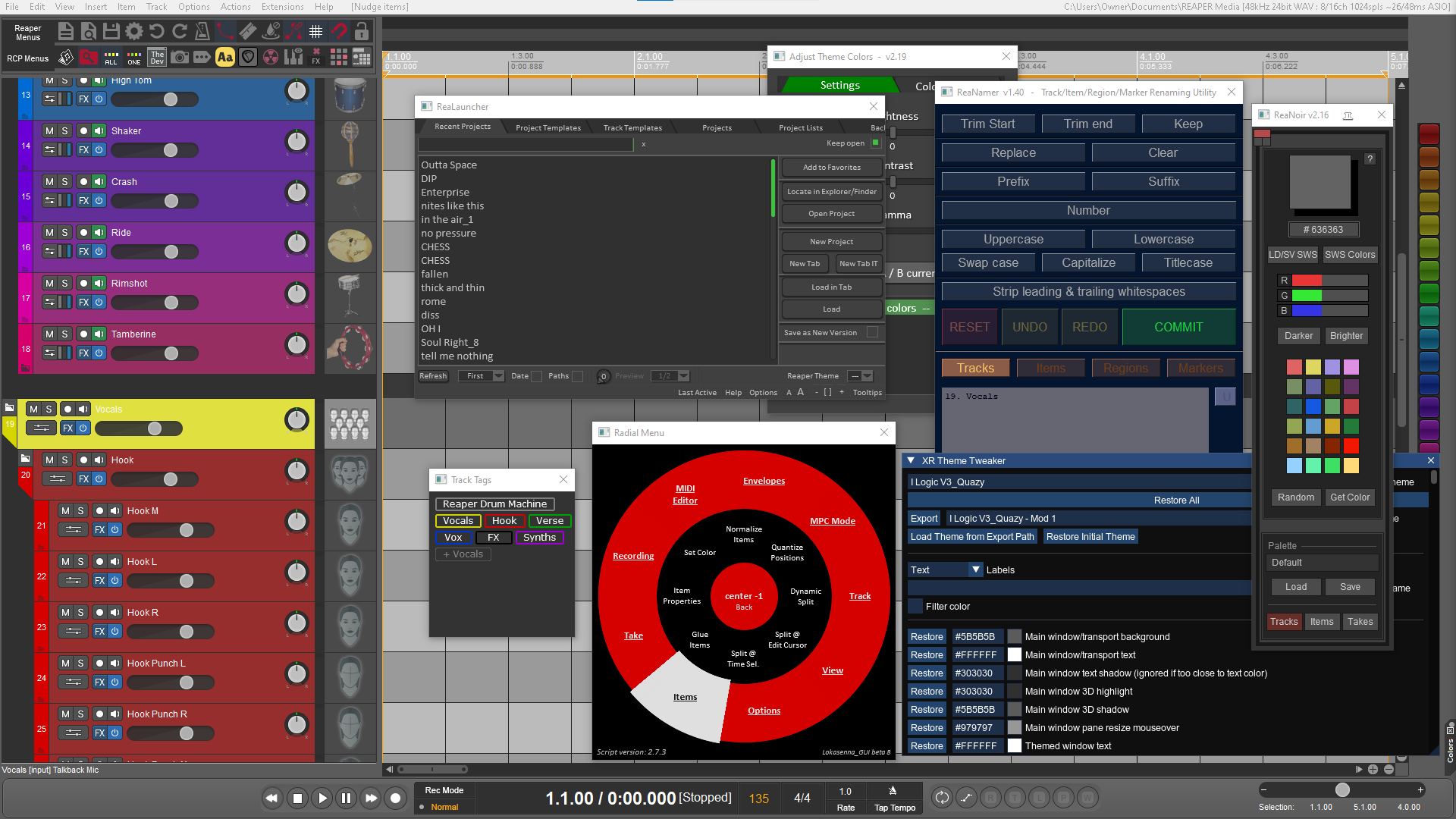
Rea_Noir A powerful script that can color by track, item, and any other paramater. Edit track color. Grab track color. Color toolbar. Auto-Coloring.  


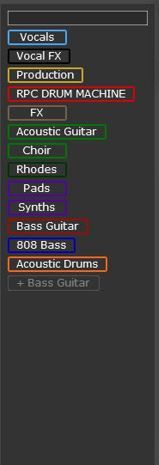
Track Tags: Toggle which tracks are viewable in the MCP and TCP Hold Ctl CLick to select multiple groups.  Double click and now your selected tag will be focused while keeping view of all other tracks.   


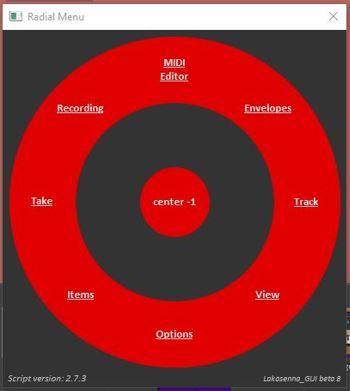
Radial Menus.: Access your most used DAW actions quickly and customize as well as color code. Edit the menu  adding your own custom actions! 


Instrument Rack: Create an instrument Track instanly. Arm- Record, automatically moved to the bottoom of the tracklist and ready to play. 


Vocal Folder- 

Folder Optimized for Vocal Recording "Hot Track"- Monitor with One Track and then move newly recorded items to  desired track. 
Track FX and VU meters Embedded the MCP . Allowing for a much quicker view of  paramaters for each track. 
Custom Track Layouts, allowing for easy organizing. Includes Track Icons and colors.                 

Instrument Add Toolbar, Save Track Templates and Add quickly later. Visual Icon corresponds to Track Icon. Serach, favorite, and organize your instruments.   

Rea-Align: Reaper's own version of vocal-align. Algin multiple takes with stretch markers and a smooth algorithm.   

Rea-Namer: Ever import a bunch of tracs with a prefix or suffix u didint like? well we got the answer for you. No more picking each track one by one. back to the music.   

Track Height A/B Button:  

-Reaper Remix Instruments : 

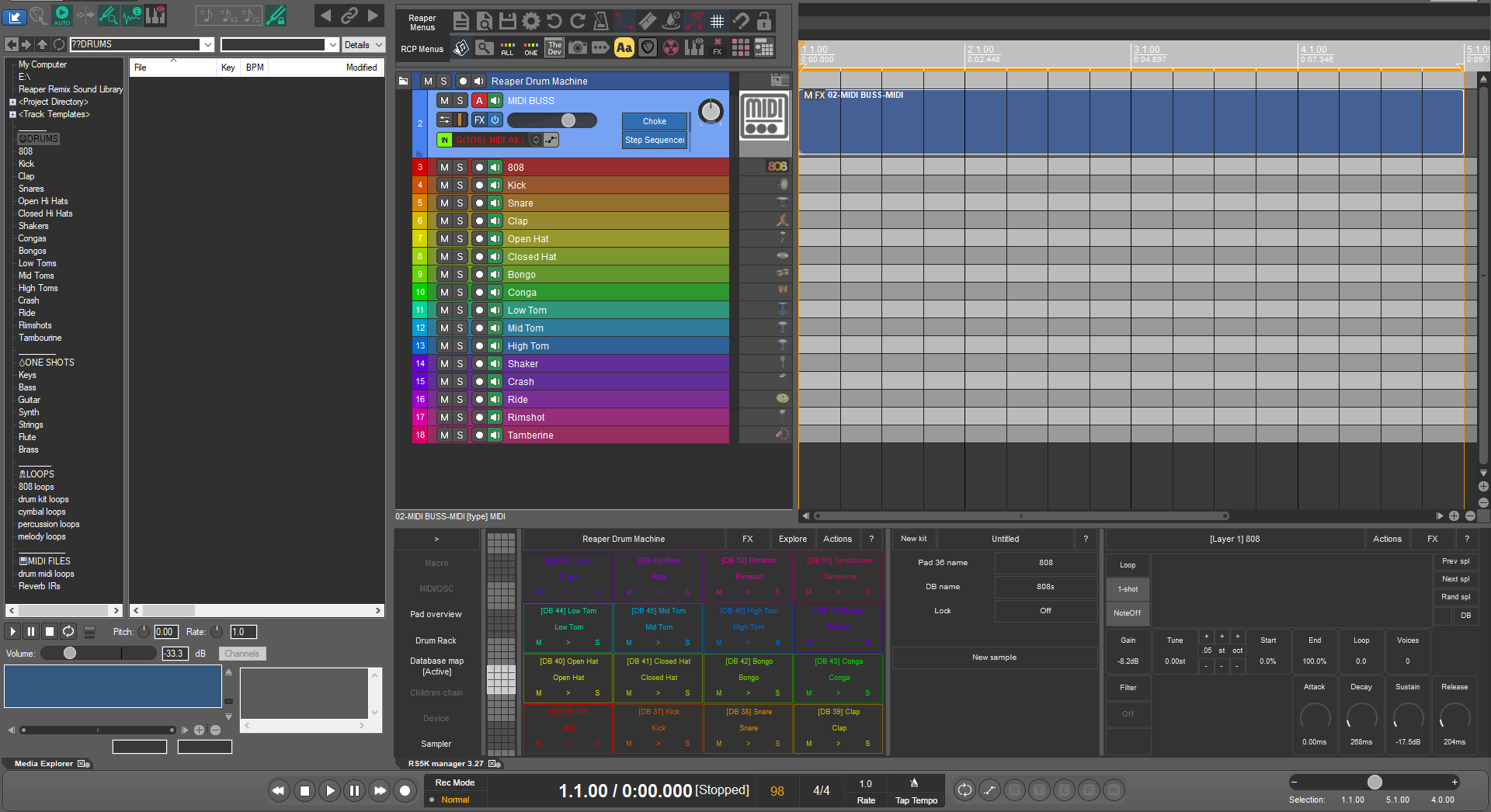
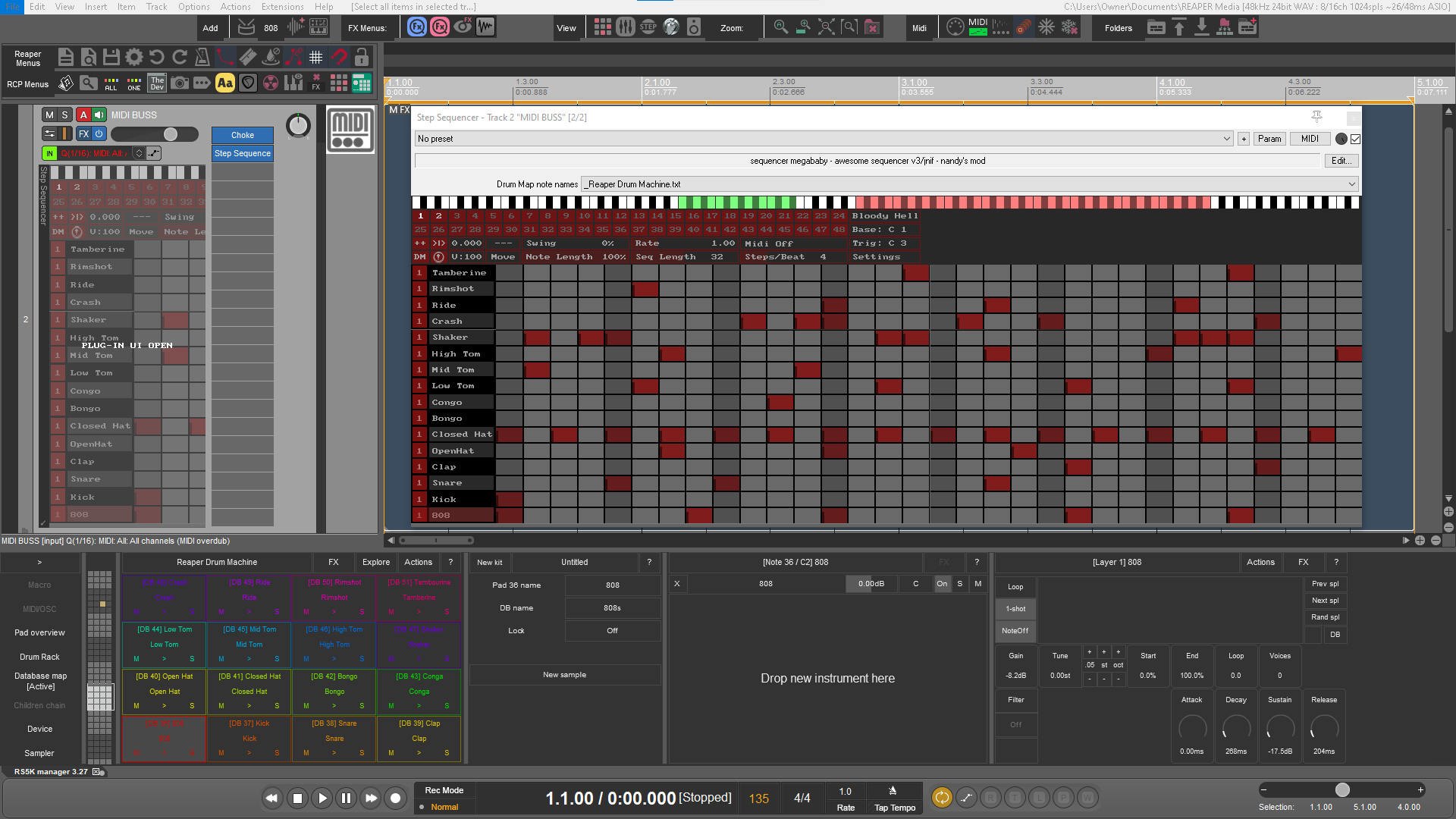
Rea Drum Machine-Based on MPL's Drum Rack this a native Reaper Drum Script that controls 

16 instances of Rea-Samplmatic 5000 on seperate tracks color coded with track icons and envelope shaper. Pre-Mapped to blank Databases.  

Megababy 32 step seqencer  

MPC Style Note Repeat Mode (C1=1/4, D2=1/4T, E=1/8, F=1/8T G=1/16 A=1/6T B=1/32 D=1/32T) 

Using Reaper Media Databases Create a new kit with click of a button 

Edit Samples, Link Parameters, Freeze & UnFreeze, Add FX, 

Rea Sampler- Drag and Drop One-Shots inside to create instruments, parameters already configured so you can just create. 

Rea_808 Sampler- Just Drag and drop your 808 samples, click detect pitch and add basslines complete with a glide button and a bass synth that adds to the thump. Distort, EQ, Compress and enjoy! 

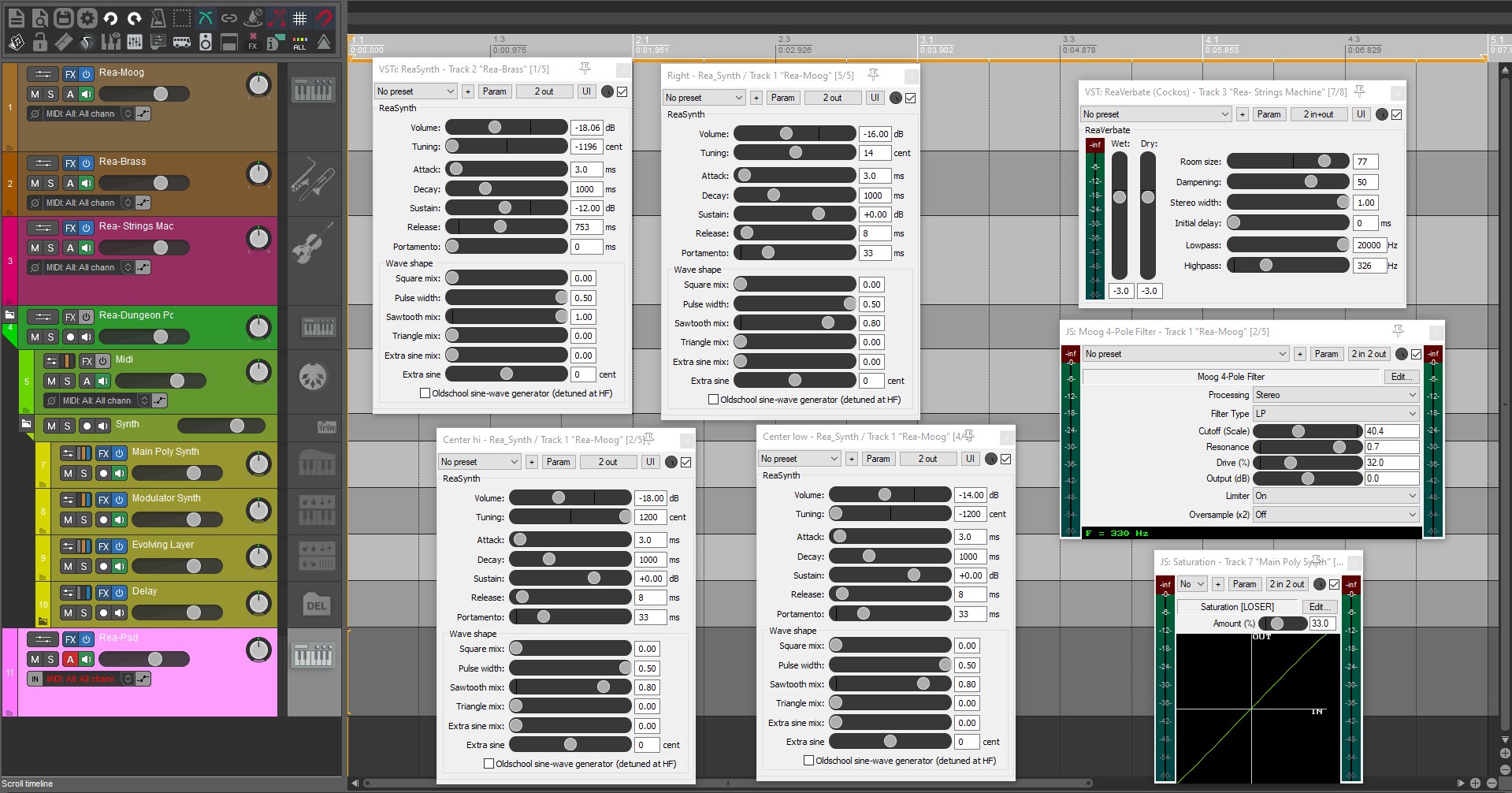
Rea_Synth- Reaper's basic synth, comes with 11 Presets to get you started 
Custom Screensets  
Hundreads of customizations designed to help create a quicker workflow ALL WITH FREE SOFTWARE!!!! 

BIG BIG THANKS TO:  

Reaper's Best teacher & its Greatest Advocate: Kenny Gioia 

Robert Randolph at Admiral Bumble Bee 

The Reaper Blog

Reaper Remix 7 

Reaper is dope and its incredibly versatile. But its nothing I can recommend to a New Comer.  Takes a good amount of time to get going. This is my personal configuration that I am sharing with everyone. I cant say its everything I do, but its a great blueprint to go from idea to Distribution! 

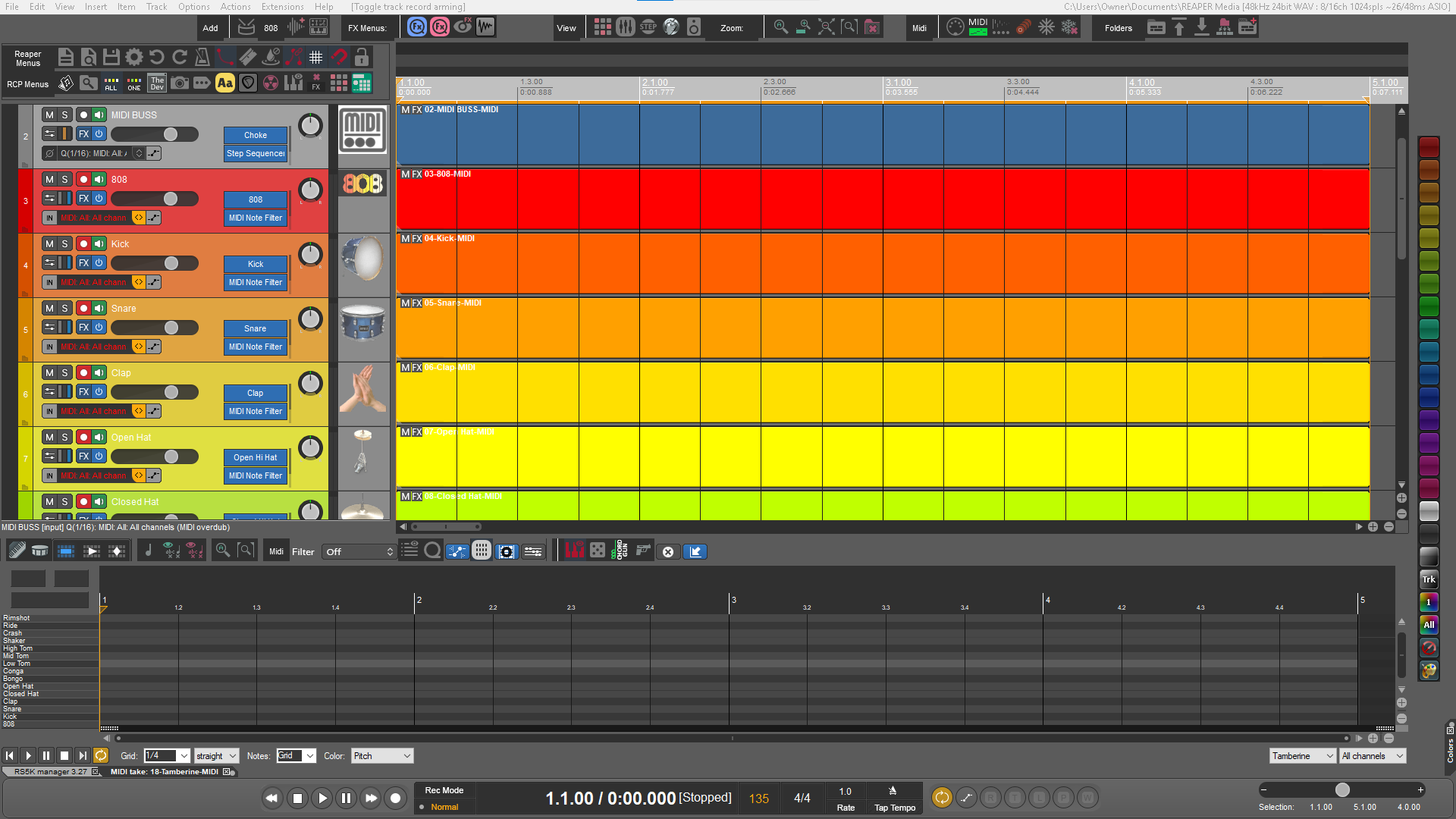
Drum Machine Track Template

  • 18 Tracks with Top Folder
  • “Midi Buss” sends midi to other 16 Tracks
  • Color coded to each pad
  • Media Explorer DB paired to each pad  

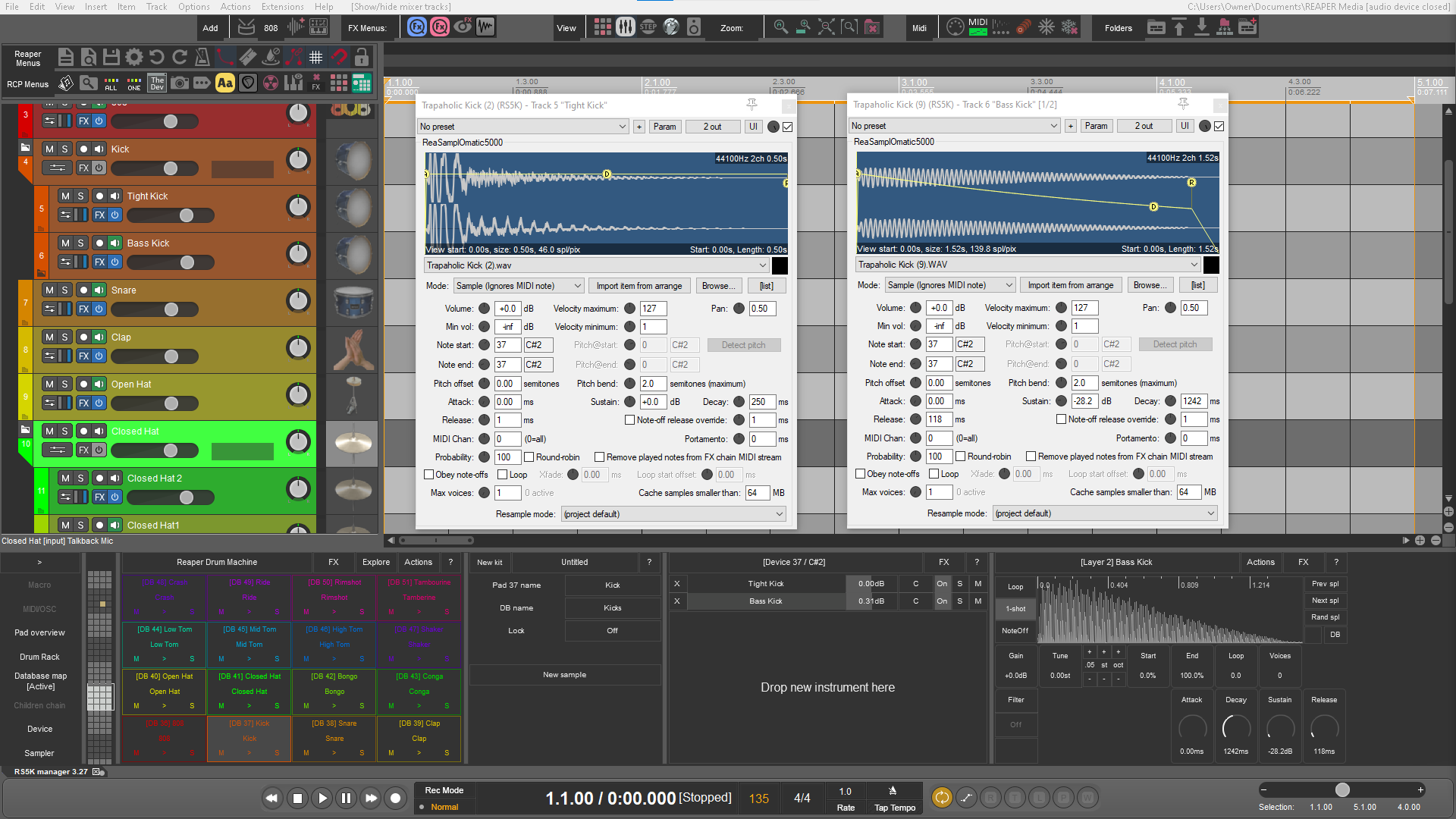
Drum Layering

  • Drag and drop a layer
  • Knobs that correlate to the RS5K sampler
  • New Layer with its own track

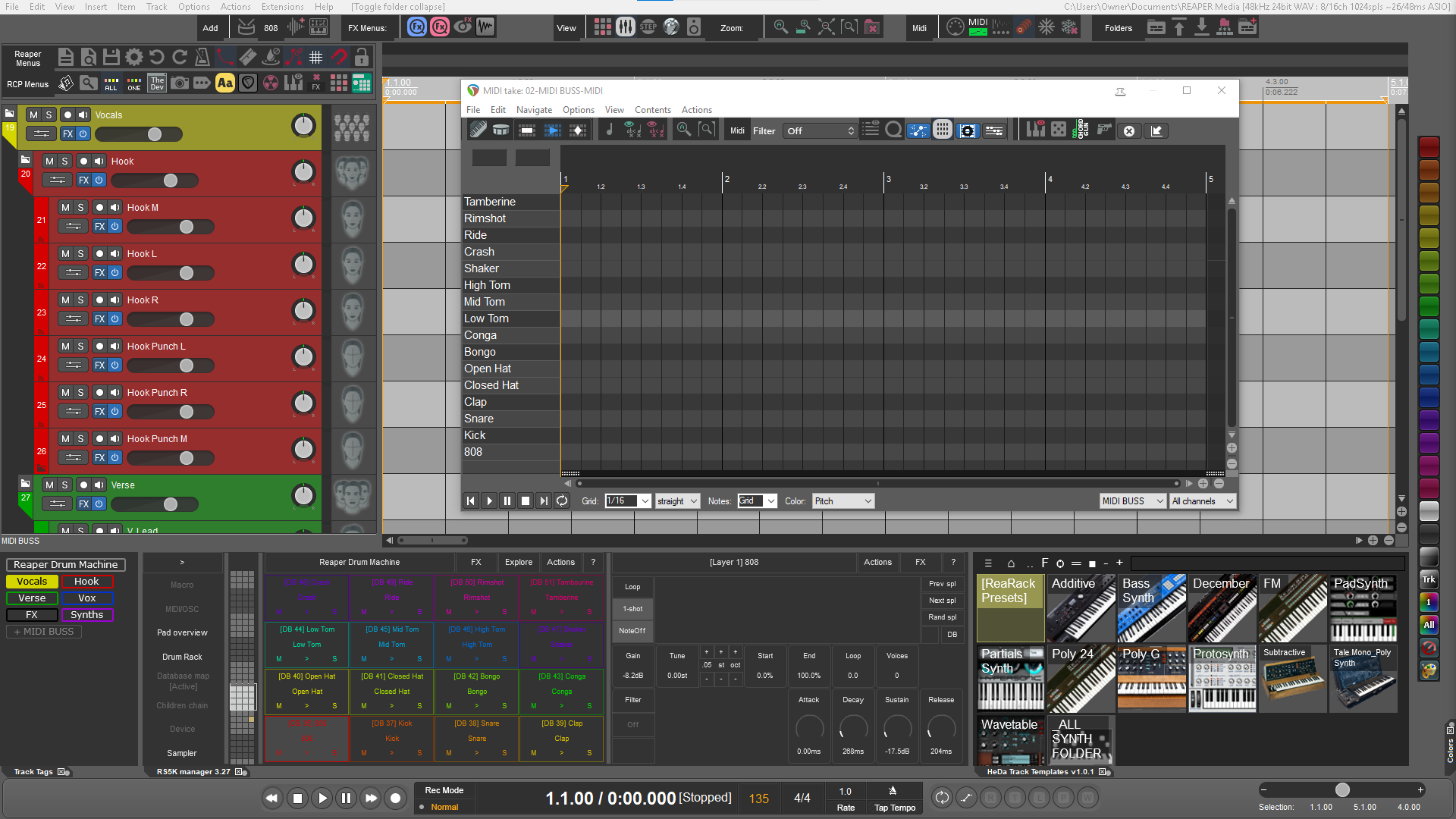
Drum Sequencing

3 Different flavors

  • Midi Editor 
  • Megababy Sequencer

Midi Items

  • color coded and great for finger drumming
  • RPC Menus for access to commonly used scripts and actions
  • additional menu items via “RPC  Button” 

Track Templates

Scripts

EQs

Compressors

Embedded JSFX

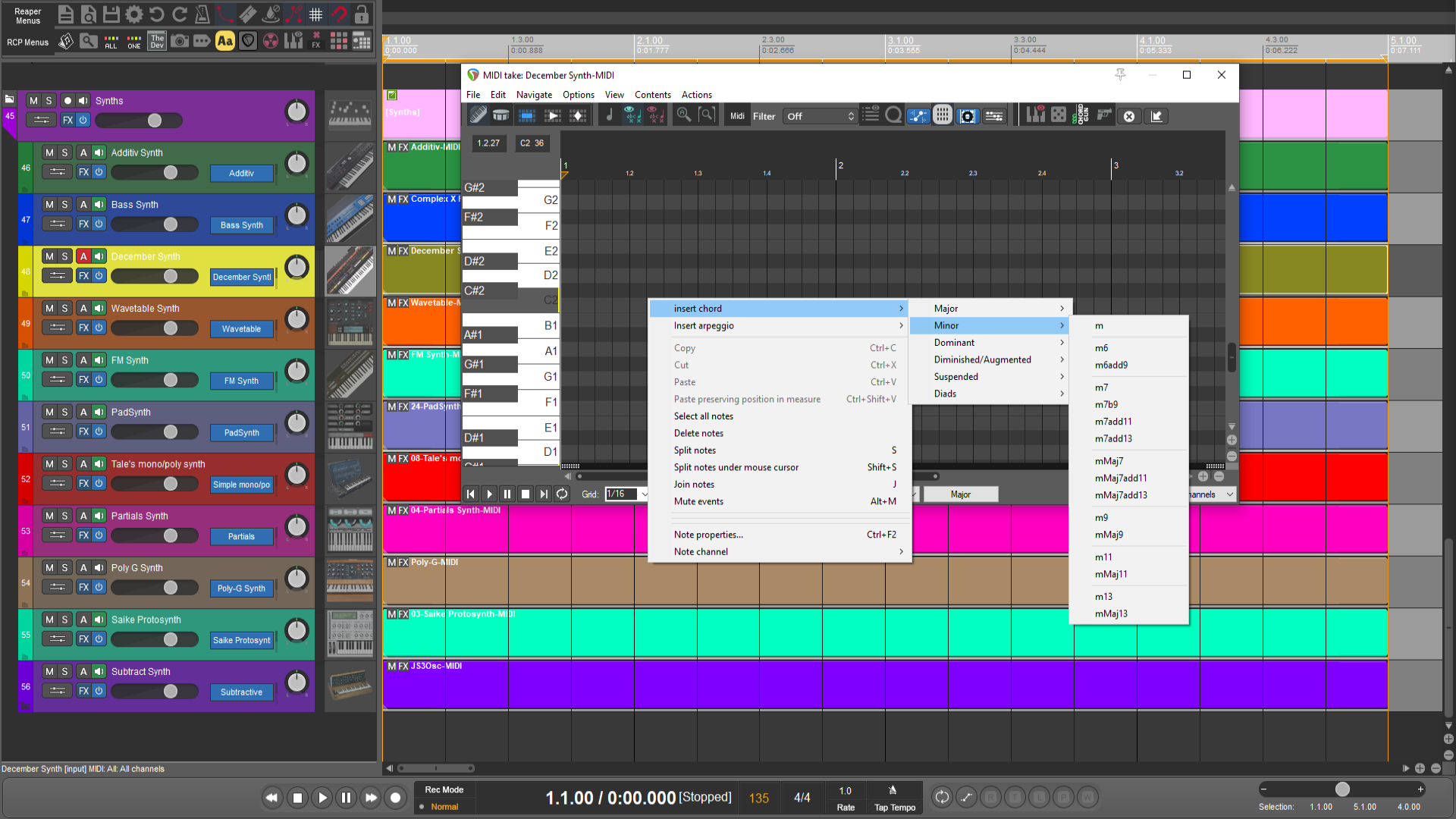
Midi Chords Menus


Reaper Remix 3.0 Create Beats quickly in Reaper!
447 MB